
Checks, not guarantees
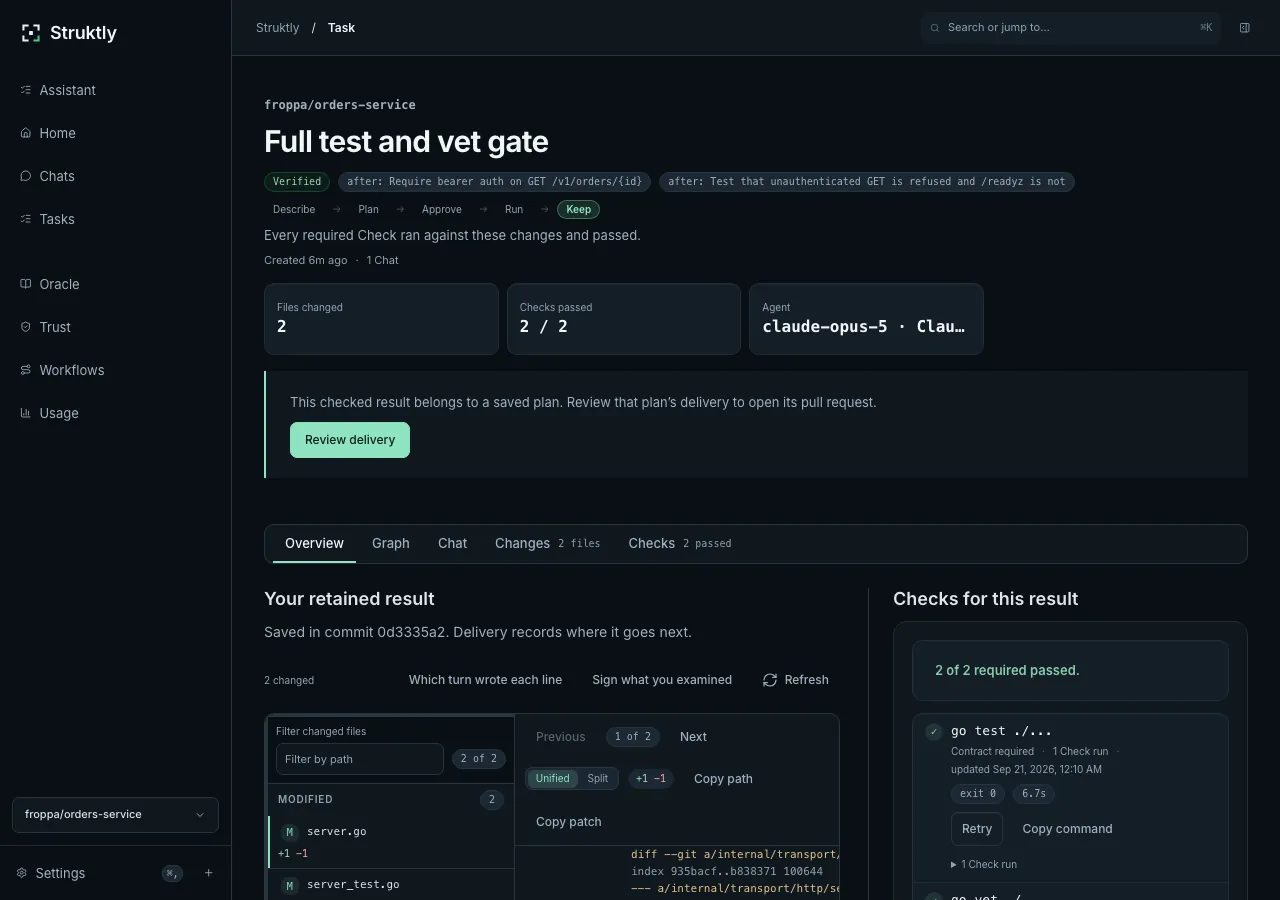
Review the diff and recorded check results. A passing test is evidence, not acceptance.
Coding workspace · private preview
A local workspace for coding-agent work. Keep the plan, conversation, diff and checks together—from request to review.
From request to review
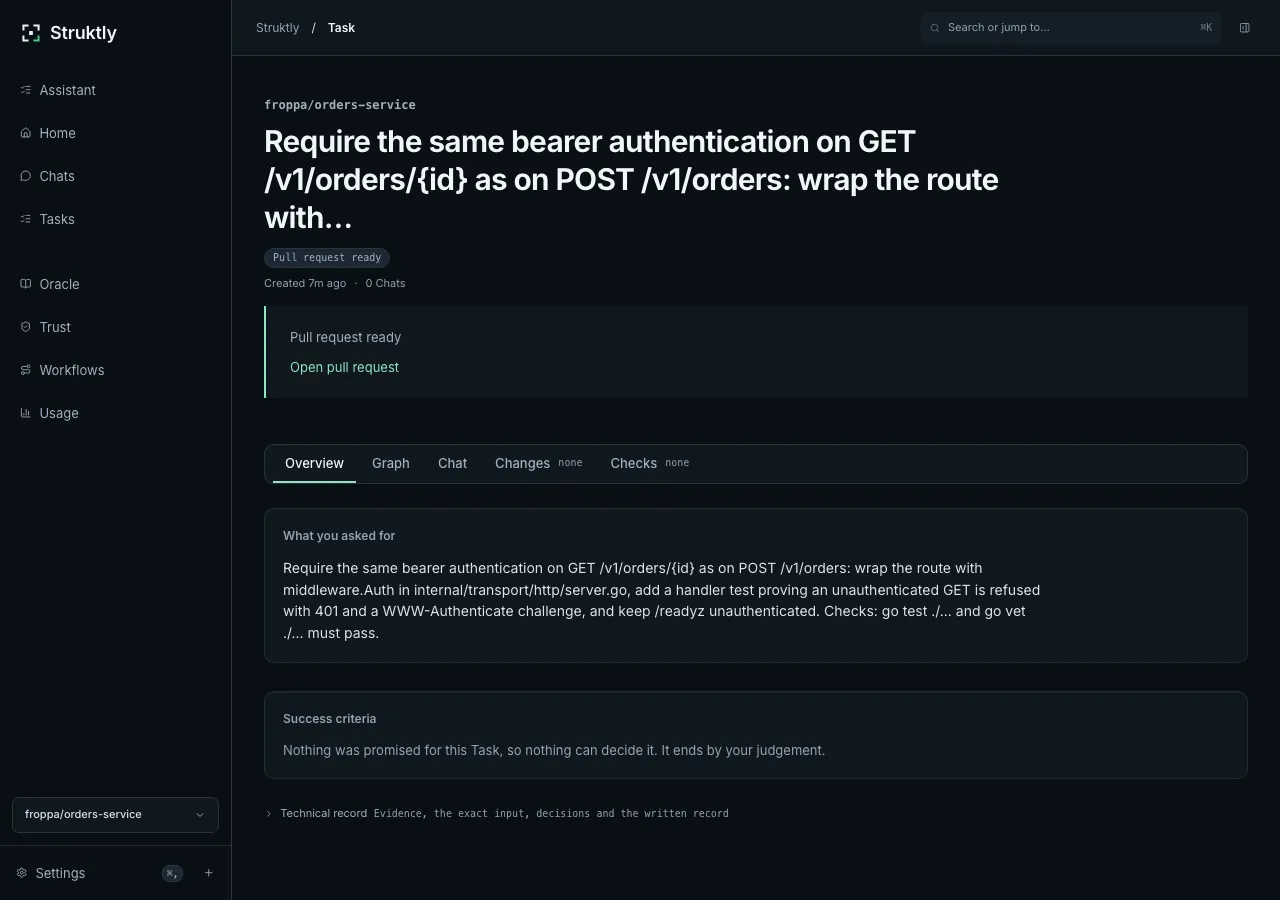
Choose a repository. Ask questions, then approve the work you want done.
Changes run in a separate working copy, with progress and decisions kept on the task.
Inspect the diff and check results. Publish only within the delivery scope you approve.
Work that stays together
Tasks, conversations, working copies and check history stay on disk. Interrupted work is recorded as interrupted—not quietly marked complete.
Review stays yours
Review the diff and recorded check results. A passing test is evidence, not acceptance.
Claude Code, Codex, local models and compatible endpoints. Claude Code is the preview’s most exercised path.
Record effort, cost and your judgement of the result. Missing inputs stay missing—not estimated.
Local storage does not mean offline execution. External providers receive work context. Provider-process confinement is macOS-only; provider internals are not fully visible to Struktly.
What the product is, what it records, and what it deliberately does not claim.
One developer working on a local Git repository. Claude Code is the most exercised path; Codex, local models and compatible endpoints are implemented but less exercised.
No. Publication requires an approved delivery scope. Changed plans or unproven results can need further review. A delivered pull request is not permission to merge or deploy.
Tasks, chats, working copies and check history are stored locally. External providers receive work context and can make their own network requests. Provider-process confinement is available on macOS, not Linux.
Saved work remains available. Recovery reconciles the recorded task and delivery state; ambiguous provider activity is not silently retried or marked complete.
Apple-silicon macOS and Linux x86-64/arm64. No Windows or Intel macOS build. The macOS preview is ad-hoc signed, not notarized; Linux bundles are unsigned. Follow the supplied verification and installation guide.
Ordinary work uses a local Git repository. Opening a draft pull request requires the GitHub CLI; plain pushes use your existing remote. The preview form uses your GitHub username to identify your request, not to grant repository access.
Submit the form below. Requests are reviewed manually. Approved applicants receive an email with a single-use claim link. Requesting access does not guarantee approval or a response date.
For one developer and one repository at a time. Requests are reviewed manually; approved applicants receive a download link by email.
Approved requests receive a single-use claim link by email. Your chosen sign-in is then linked to your preview approval.
No automatic approval or promised reply date. Verify the release using the supplied installation guide and SHA-256 manifest.